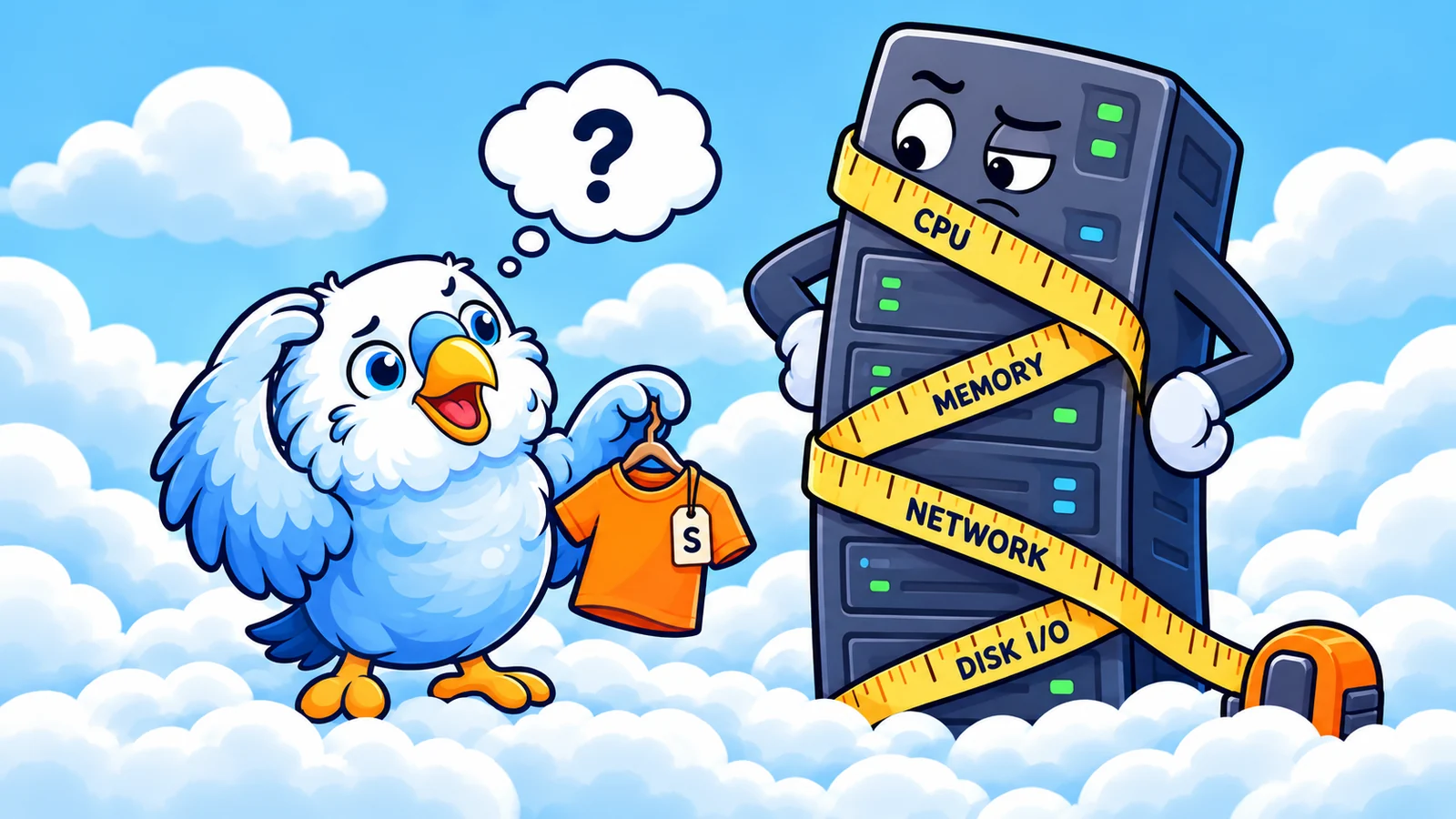
Finding AWS Waste Is Easy. Making the Fix Stick Is Harder.
Meet BudgieBot: AWS cost fixes that live in your source code, not just the console.
Patrick · Founder of CloudBudgie
6 min read
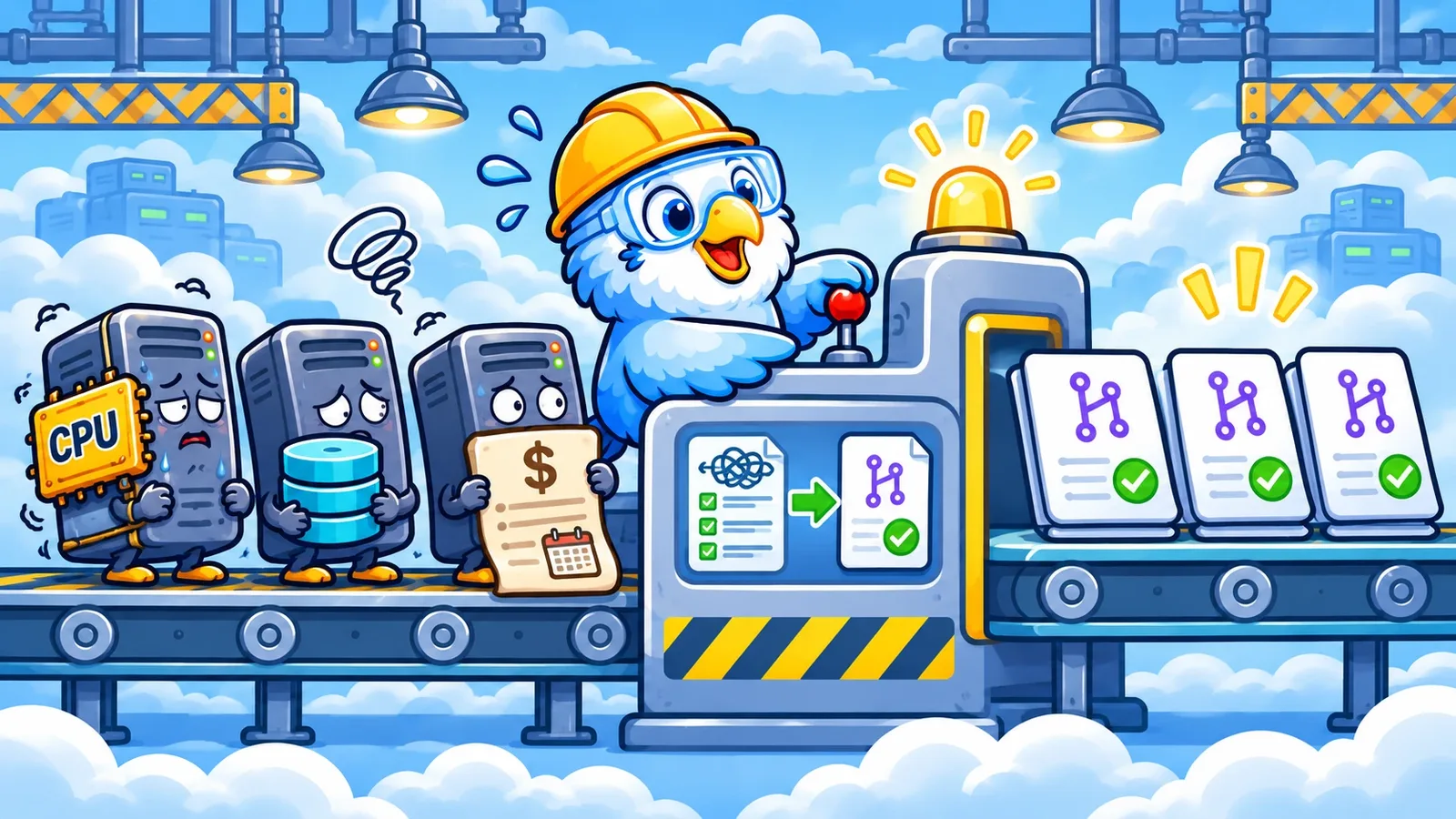
You resized the instance in the AWS console. It was an m6i.2xlarge running at a fraction of its capacity, and an m6i.xlarge saves about $140 a month. Nice work.
Three weeks later, a teammate ran terraform apply to ship an unrelated change. The plan included one extra line, instance_type = "m6i.xlarge" -> "m6i.2xlarge", buried among everything else. Nobody caught it.
The instance went back to its old size, and so did the bill.
That's the quiet failure mode of cloud cost optimization. One reverted resize is easy to miss. Now imagine it at scale: dozens of fixes across accounts and repositories, each one waiting for the next deploy to undo it.
Finding waste is easy. Fixing it in a way that lasts, at that scale, is the hard part.
A fix that only exists in the console is a fix with an expiry date.
The fix belongs where the infrastructure is defined
If your infrastructure is managed with Terraform or CloudFormation, the code is the source of truth. A change made anywhere else is configuration drift: the running resource and the code that describes it disagree.
With Terraform, the next apply settles that disagreement in the code's favor. With CloudFormation, the stack no longer describes what's actually running, and drift detection will flag it.
Either way, the saving isn't really yours yet.
The durable fix is to change the code. Update instance_type, open a pull request, and let it go through the same review and deployment as any other infrastructure change. Once it's merged, the repository describes the smaller instance, and the next deploy keeps it instead of undoing it.
CloudBudgie still offers direct remediation through AWS APIs for supported optimizations. That's the right tool when a resource isn't managed in code. But for anything Terraform or CloudFormation owns, a direct change is a temporary one.
Why fixes don't make it into code
Changing an instance type in Terraform is a one-line diff. Any engineer can write it in a minute, and an AI coding assistant can write it faster.
But a cost review across a few AWS accounts doesn't produce one change. It produces dozens: oversized instances, log groups that keep data forever, S3 buckets collecting incomplete multipart uploads, ECR repositories with no lifecycle policy. They live in different repositories, owned by different teams.
Every one of them needs the same steps. Find the resource in code. Make the change. Validate it. Open a pull request. Get it reviewed.
None of that is hard. Together, it's a backlog nobody owns. So the savings sit in a dashboard, or someone takes the shortcut and clicks the fix in the console, and we're back where we started.
Meet BudgieBot
BudgieBot is CloudBudgie's automated Infrastructure as Code remediation. It turns cost-saving recommendations into validated Terraform and CloudFormation pull requests, without anyone writing the change by hand.
There are three ways to use it:
- One click per recommendation. Review a recommendation in CloudBudgie and choose to open a pull request. BudgieBot finds the resource in your connected GitHub repository, prepares the change, validates it, and opens the PR.
- One click for many. Select up to 50 recommendations of the same kind and open pull requests for all of them at once. BudgieBot groups the changes by repository, so each team reviews one pull request for its share instead of one per resource.
- No clicks for lower-risk changes. For a short list of lower-risk optimizations, like releasing unused Elastic IPs, removing unattached EBS volumes, and setting CloudWatch log retention, you can set an automation policy instead. Recommendations above your savings threshold become pull requests on their own. Start in Preview Mode to see what it would do first.
Whichever you choose, the result is the same: a pull request in your repository, going through your team's normal review. BudgieBot doesn't merge it, and nothing is deployed just because BudgieBot suggested it.
EC2 rightsizing
application-server
us-east-1 • i-0123456789abcdef0
- CPU p95
- 18%
- Mem p95
- 28%
- Data window
- 14 days
Memory from the CloudWatch agent. CPU, memory, network, and disk peaks stay within an m6i.xlarge’s limits.
Apply directly
CloudBudgie changes the instance type through the AWS API.
Create IaC pull request
BudgieBot proposes the Terraform change for your team to review.
From recommendation to pull request
Let's go back to the instance from the beginning. CloudBudgie sees it running on an m6i.2xlarge and, based on its utilization history, recommends an m6i.xlarge. At on-demand prices in us-east-1, that's about $140 a month.
That recommendation is a starting point, not permission to resize a production server blindly. As we covered in EC2 rightsizing beyond CPU, low CPU doesn't necessarily mean an instance is oversized. Rightsizing deserves a human decision, so it's a one-click approval rather than an automatic one.
1. Approve the recommendation
You review the evidence and the estimated savings in CloudBudgie, then choose to open a pull request instead of changing the instance directly. You don't need to know Terraform to do it.
2. BudgieBot prepares the change
BudgieBot finds the resource's definition in the connected repository and prepares the change. For a straightforward configuration, the diff is exactly what you'd expect:
 resource "aws_instance" "application" {
   ami           = var.ami_id
-  instance_type = "m6i.2xlarge"
+  instance_type = "m6i.xlarge"

   tags = {
     Name = "application-server"
   }
 }
Small, targeted, and easy to review.
3. Validate it
Before opening the pull request, BudgieBot checks the change.
For Terraform, that means:
terraform fmton files that were already formatted, so the change matches the repository's style without reformatting files it didn't touch.terraform init -backend=falseto initialize without connecting to the configured state backend.terraform validateto check that the configuration is valid.
For CloudFormation, it runs cfn-lint on the templates the change touches.
These checks matter, but they don't prove everything. Terraform validation doesn't tell you whether the smaller instance can handle Monday morning traffic, or that a deployment will succeed. Those calls still need engineering judgment.
4. Open the pull request
Once the change passes its checks, BudgieBot opens a GitHub pull request with the diff, the estimated savings, and the validation results.
From there, it's an ordinary infrastructure change: the same branch protections, code review, CI checks, and approval rules your team already uses. BudgieBot doesn't merge it or deploy it.
[CloudBudgie] Right-size application-server: m6i.2xlarge → m6i.xlarge
mainBudgieBot commented
What Changed
Right-sizes 1 EC2 instance.
| Optimization | Resource | Change | Monthly savings |
|---|---|---|---|
| EC2 rightsizing | application-server | m6i.2xlarge → m6i.xlarge | $140.16 |
Validation Performed
terraform init -backend=falsesucceededterraform validatepassed- No cloud infrastructure changes were applied
| 12 | 12 | resource "aws_instance" "application" { | |
| 13 | 13 | ami = var.ami_id | |
| 14 | - | instance_type = "m6i.2xlarge" | |
| 14 | + | instance_type = "m6i.xlarge" | |
| 15 | 15 | ||
| 16 | 16 | tags = { |
Review required. Merging and deployment stay with your team. BudgieBot doesn’t merge its own pull requests.
The goal isn't to remove engineers from infrastructure decisions. It's to remove the repetitive work between a recommendation and a reviewable change, dozens of times over.
1. CloudBudgie
Savings identified
2. You, or your policy
Fix approved
3. BudgieBot
BudgieBot prepares change
4. BudgieBot
Automated validation
5. BudgieBot
GitHub PR created
6. Your team
Engineer reviews and merges
BudgieBot never merges or deploys. Your team’s review, CI, and branch protections decide what ships.
Small changes, clear boundaries
Automation that opens pull requests on its own has to be easy to trust.
A cost optimization pull request should be narrowly scoped. If the recommendation is to resize one EC2 instance, the change shouldn't quietly refactor networking, reorganize modules, or touch unrelated resources.
BudgieBot's workflow keeps preparation, validation, and pull request creation separate, and every change is checked before anyone sees it. There are deliberate limits on what it can do, too. It isn't given unrestricted permission to change AWS infrastructure as part of the IaC workflow. It never merges its own pull requests. Automatic pull requests are limited to a short list of lower-risk optimizations. And not every CloudBudgie optimization supports IaC remediation.
Those limits are intentional. Infrastructure automation is most useful when its actions are predictable, its scope is clear, and engineers can understand the result without reverse-engineering what an agent decided to do.
A useful infrastructure automation doesn't need unlimited authority. It needs a well-defined job and a reviewable result.
Find it. Fix it. Keep it fixed.
Cloud cost optimization has gotten very good at telling teams where they could save money. But dashboards don't reduce bills, and neither does a fix that quietly reverts.
That's why we're building CloudBudgie around three connected steps:
- Find it. Identify AWS waste, with the evidence and estimated monthly savings behind each finding.
- Fix it. Apply supported optimizations directly, or have BudgieBot turn them into pull requests for your team to review.
- Keep it fixed. Make the change in code, so the next deploy keeps it. Then use continuous protections and scheduling to help stop new waste from creeping back.
BudgieBot is how the fix gets into code, at the scale your recommendations actually arrive.
Finding $140 a month in savings is nice.
Keeping it is better.
References
- Viewing EC2 instance recommendations (AWS Compute Optimizer)
- Change the instance type
- terraform fmt command reference
- terraform init command reference
- terraform validate command reference
- AWS CloudFormation Linter (cfn-lint)
- Manage resource drift
- Detect unmanaged configuration changes to stacks and resources with drift detection
- About protected branches